
Projects
Creating project stages
When the project is created, now comes the time to build its structure, i.e. to add project stages.
In the selected project, go to the structure tab and click the blue button  .
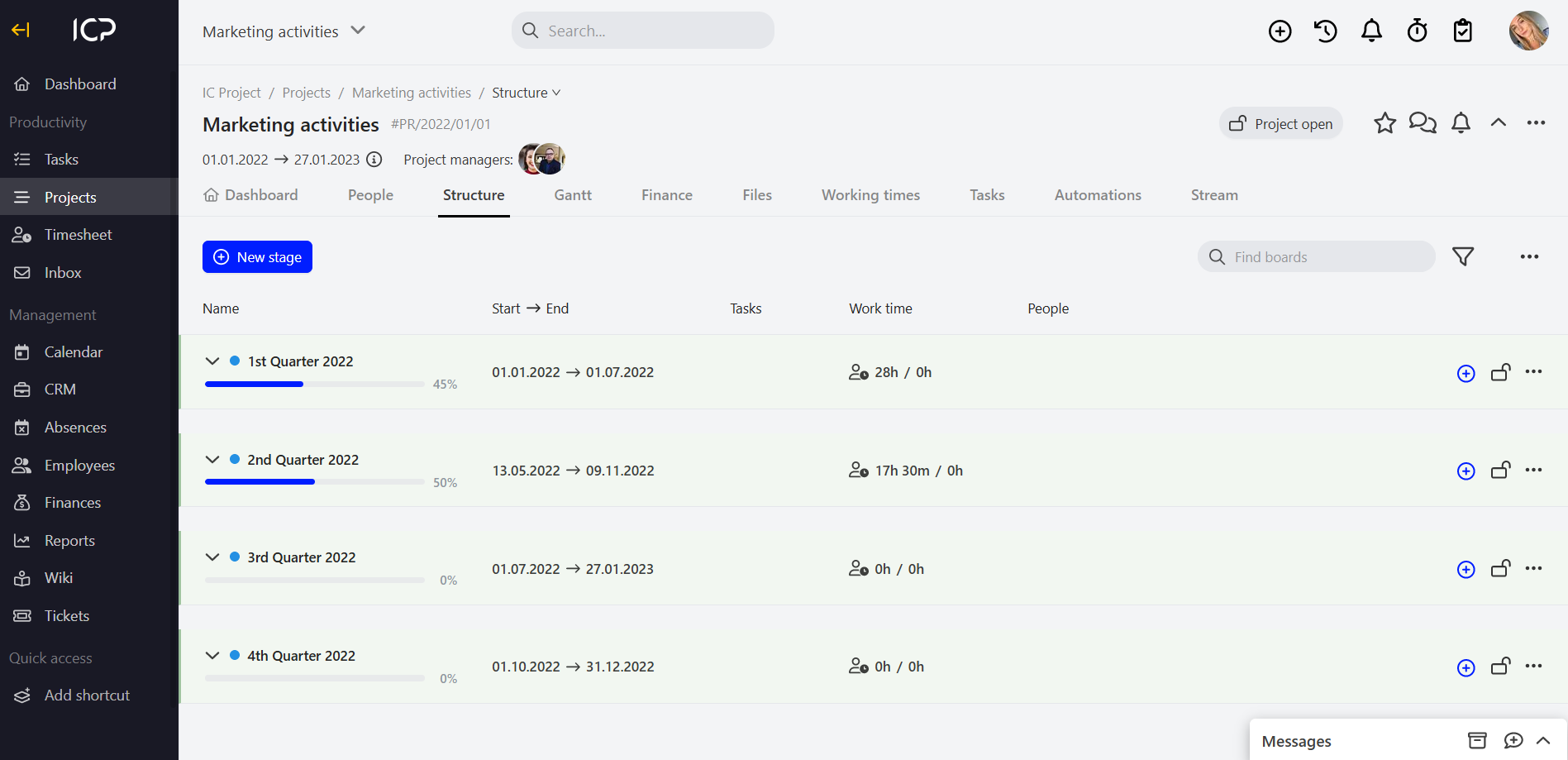
Click the advanced button and complete the data.
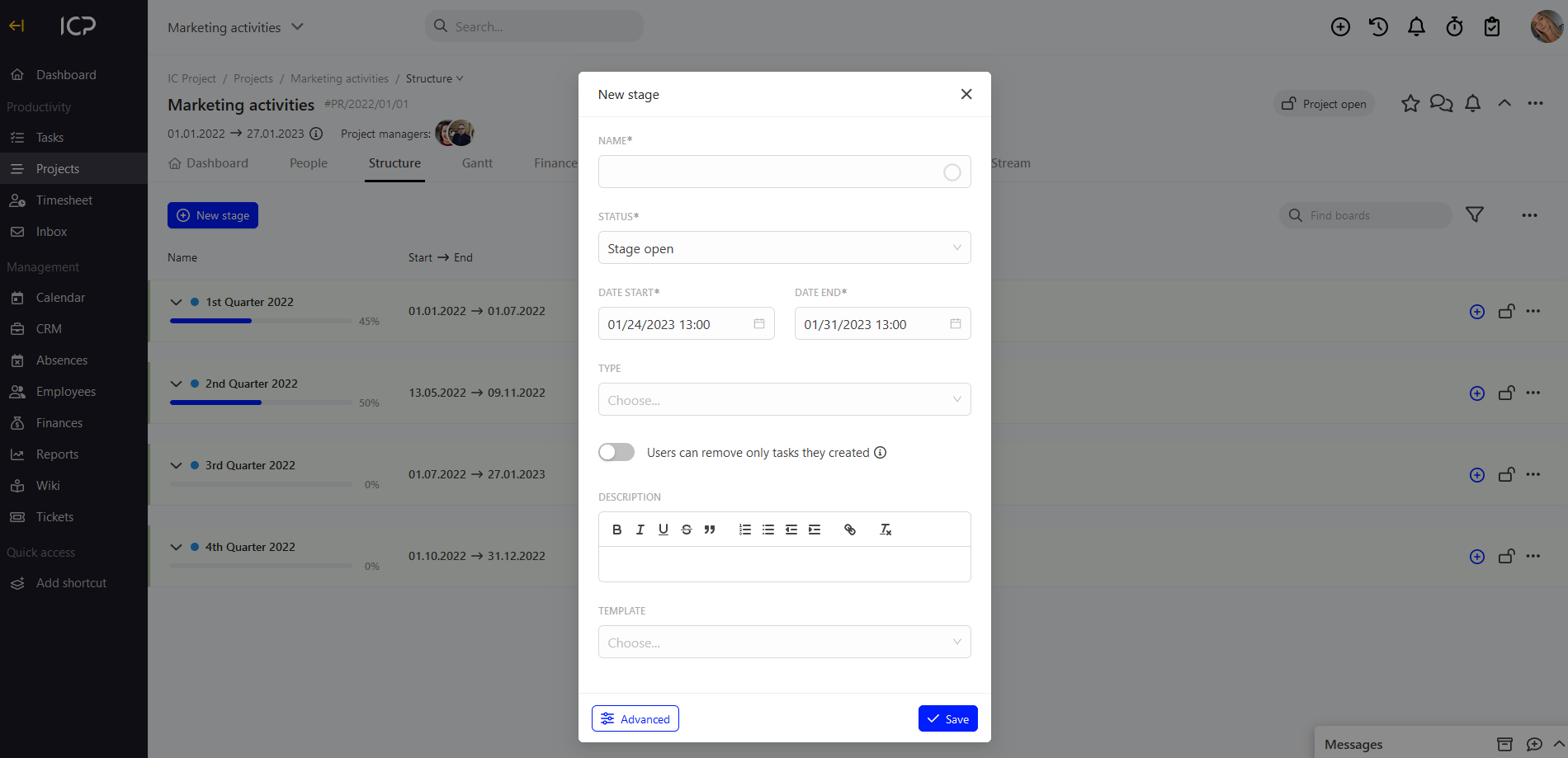
Enter the name, specify the stage status, timeframe, type as well as the potential stage description. Click save. And done!
Change of order of individual stages
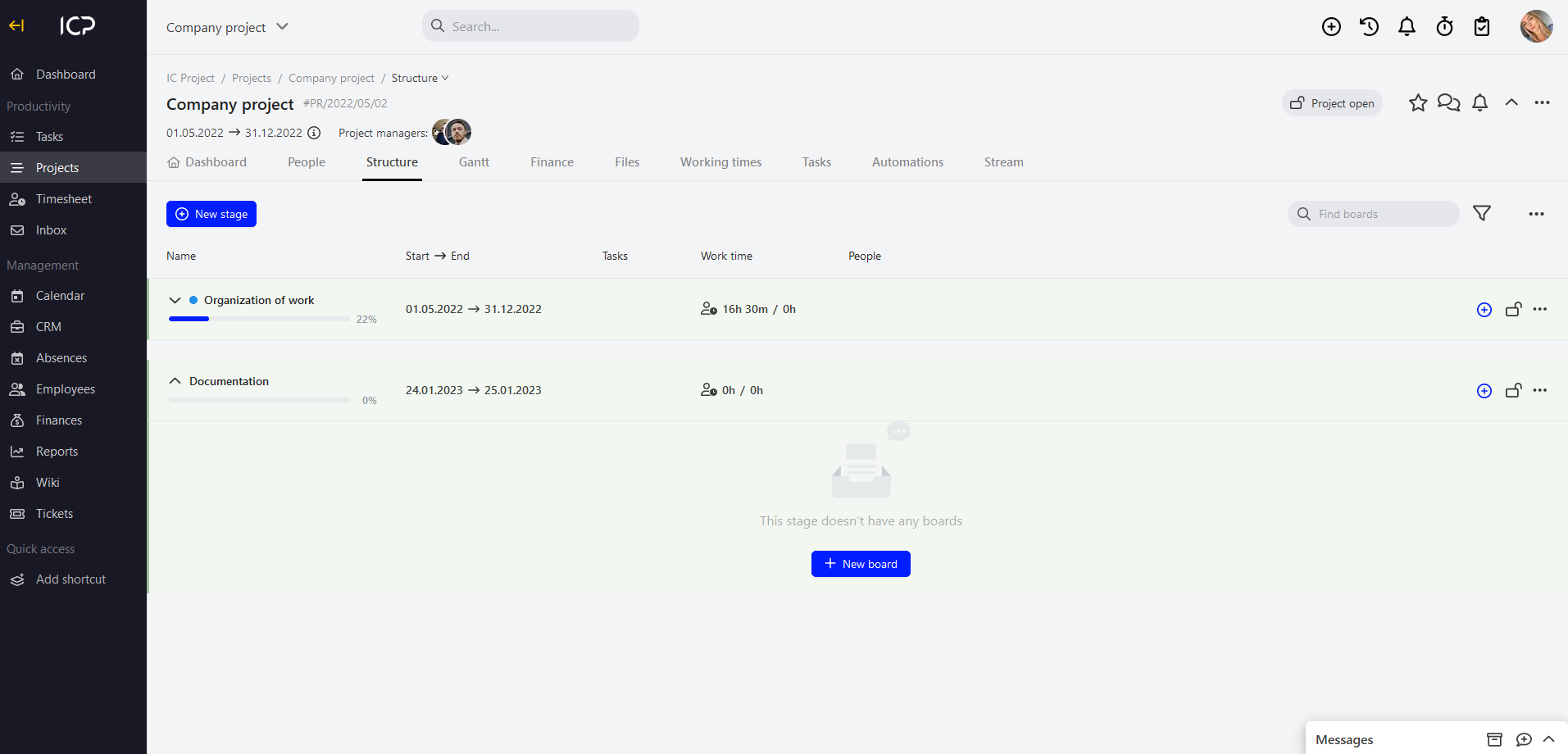
If you have more than one stage in the project structure, you can change their order freely. Place the mouse cursor over the area of the stage the order of which you want to change and, holding the left mouse button, drag it to the right place in the project (up / down).
Categories:Projects