
Wiki
Wiki is your corporate knowledge base in IC Project: key files, instructions and procedures in a flexible structure of folders and articles, with content search, version history, a private space and sharing in projects, tasks and chat.
Wiki, i.e. a corporate knowledge base. A module in IC Project where you can keep the most important corporate files and documents. Entire corporate knowledge, accessible from anywhere in the world to the people you choose.
Instructions, procedures, terms and conditions, contracts, work standards, meeting notes? Yes. All in one place. Every company has more and more of these documents, and finding the right one can take longer than the work itself. That’s why we rebuilt Wiki from the ground up. It’s a true company knowledge base in IC Project.
Wiki now has a new look and a flexible structure with unlimited levels. We’ve added search in article content, version history and a private space for every user. You can share articles where the work happens: in projects, tasks and chat.
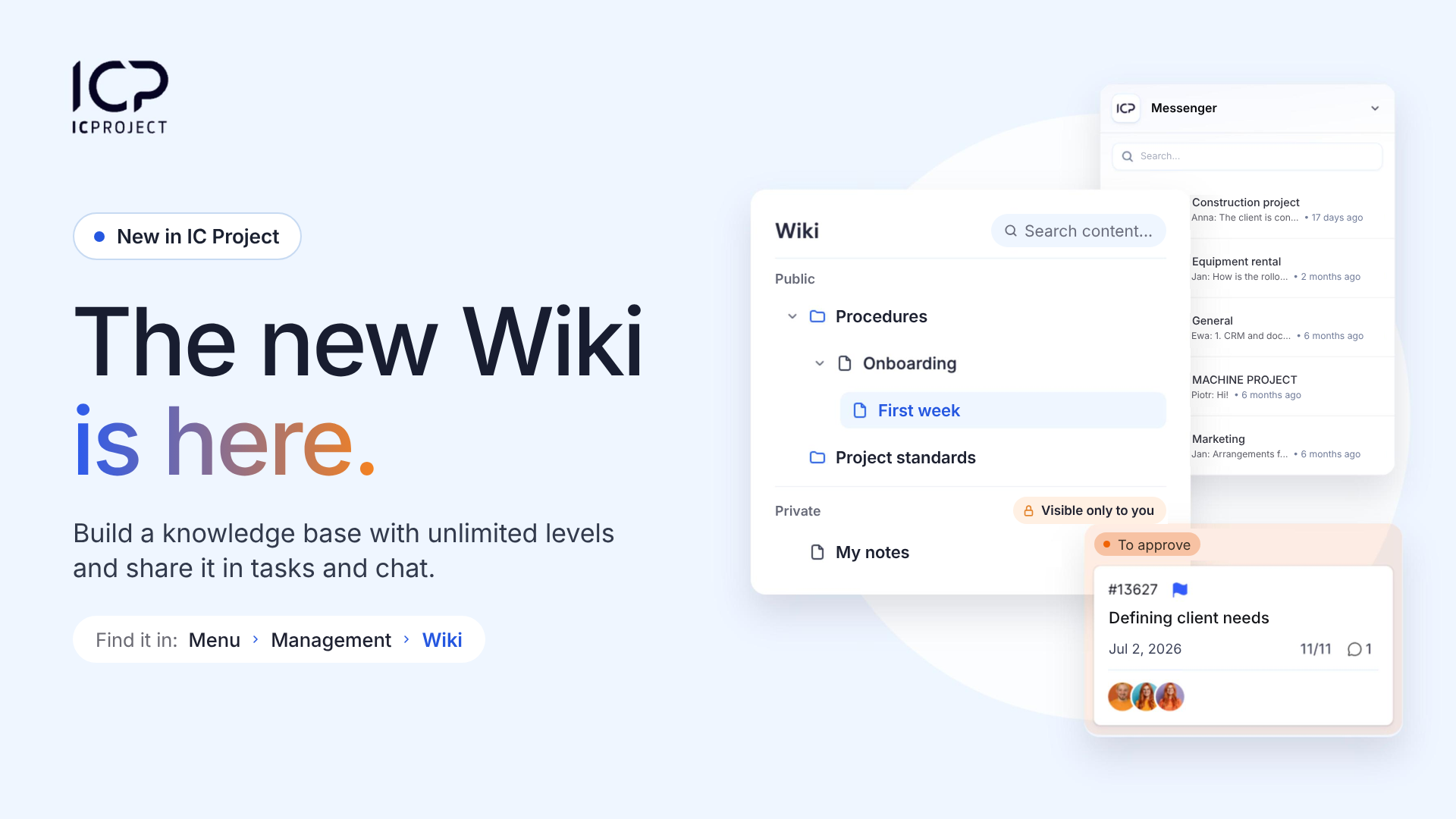
Wiki is more than just files and attachments. It is also a complete text editor. You can add files in any format, but you can also create completely new text entries. That is a great advantage and convenience.
In Wiki you can create folders, and inside them articles and further folders. This way, everything is kept in order and employees always know where to click to find the document they are looking for.
What’s changing in Wiki?
▶️ Unlimited structure – an article doesn’t have to sit in a folder. You can add more articles or folders under any article, and child items appear automatically below its content. Change the order in the tree by dragging items.
▶️ Find everything fast – search covers folder names, article titles and article content. The left panel gives you quick access to the Recent, Favorites, Public and Private sections.
▶️ Your private Wiki – your own articles and folders, visible only to you. A good place for notes, drafts and working versions of documents.
Adding a folder and an article to Wiki
Open Wiki – you’ll find it in the main menu, in the Management section. In the left panel, hover over the Public or Private section, click + and select Article or Folder. If the section is still empty, click Add first article.
Enter a name and write the content in the editor. An article doesn’t have to be in a folder, and you can add more articles or folders under any article. Change the order in the tree by dragging items.
What’s in an article?
- block editor: type “/” to add a heading, list, quote, code, emoji or file (also from Google Drive, Dropbox and OneDrive)
- an emoji that makes the article stand out in the tree
- the Files panel on the right, which automatically collects attachments from the content
- author, creation date and last update date
- version history with restoring earlier versions, and a change Stream with CSV export
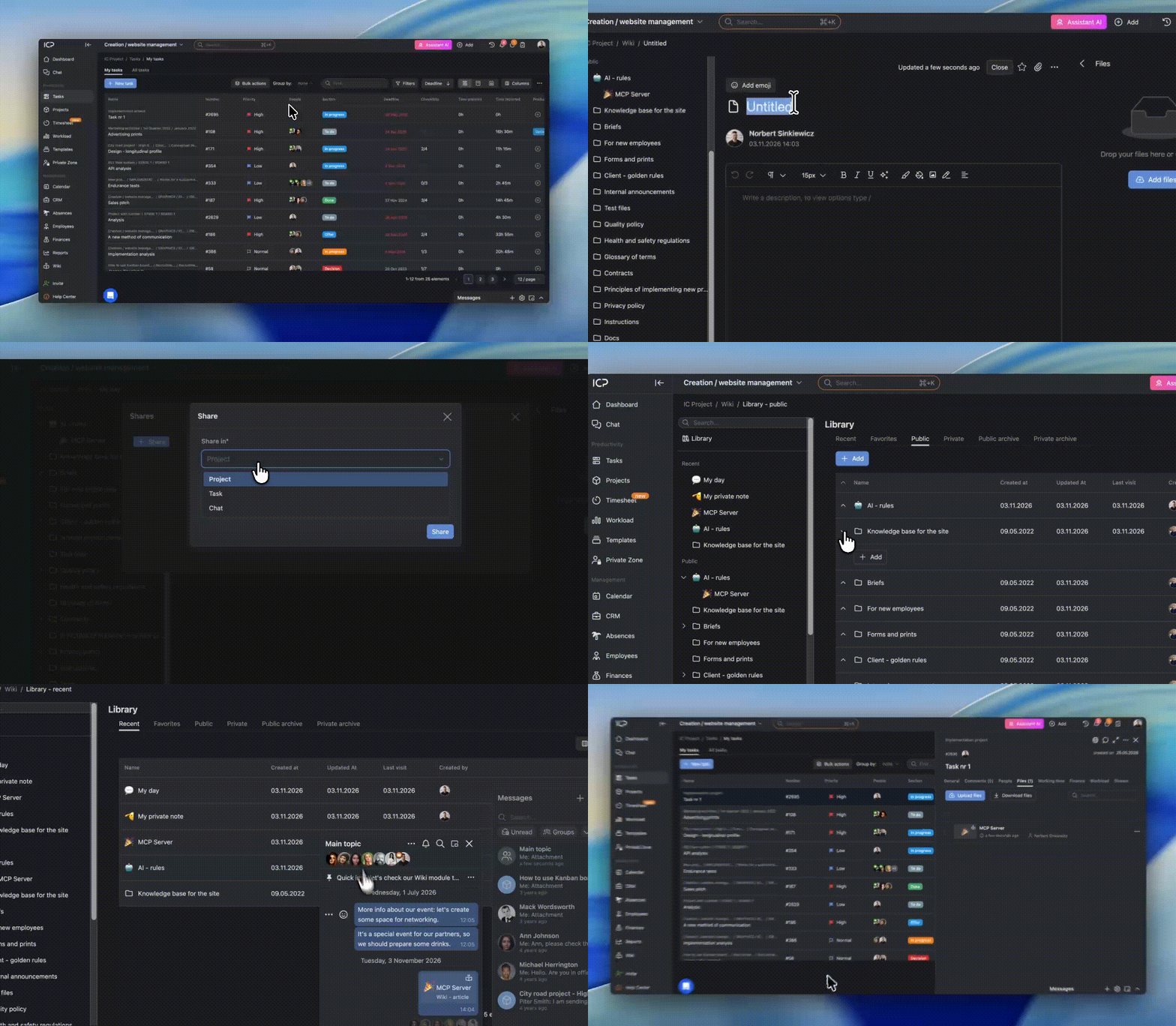
Adding attachments to Wiki
Add files directly in the article content: type “/” and select file. You can add files in any format, also from Google Drive, Dropbox and OneDrive. All attachments from the content are collected in the Files panel on the right side of the article, so you have them in one place.
Library and archive
All items are shown in the Library, a table with Recent, Favorites, Public, Private and Archive tabs. You choose the visible columns and the layout is remembered. You don’t have to delete outdated documents: archive them and restore them when you need them again. Permanent deletion requires additional confirmation.
Managing Wiki content and access
In Wiki you can manage folders and articles, provided you have the appropriate permissions. Access to public folders and articles is set at the level of each item, for selected people or teams, from view-only to full permissions.
How to share an article?
👉 in the article, click ⋯ → Sharing → Share in and select Project, Task or Chat
👉 in a task comment, click the paperclip and select Wiki
👉 in the Messenger, click “+” and select Wiki
Open the new Wiki and build a knowledge base your team will actually use 🚀