
Adding a new project
Going to Projects, in the left menu you can access all your projects in development. If you are here for the first time, create your first project.
You can do it in two ways:
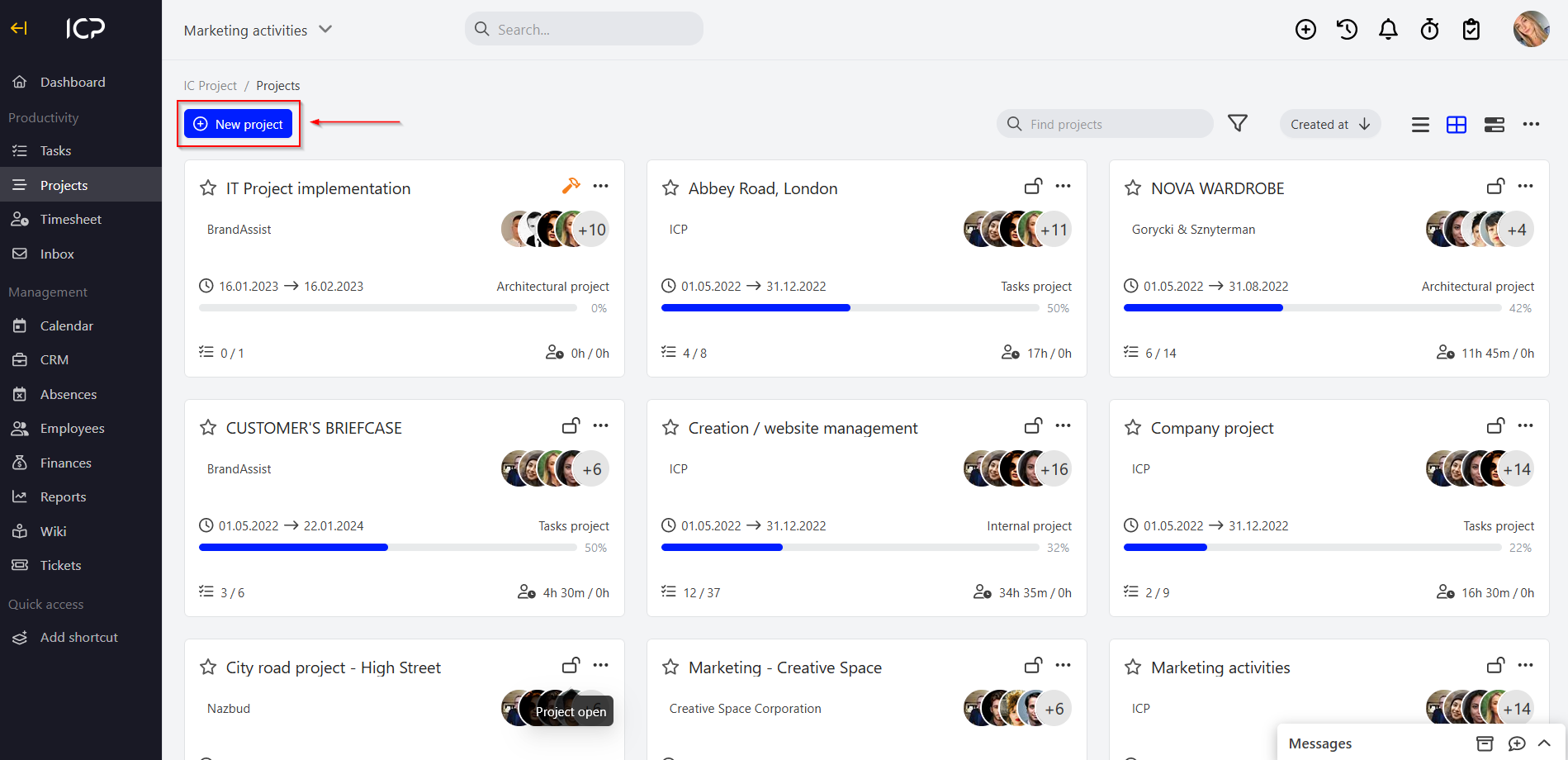
In the Projects section
Go to the Projects menu and click the blue button  .
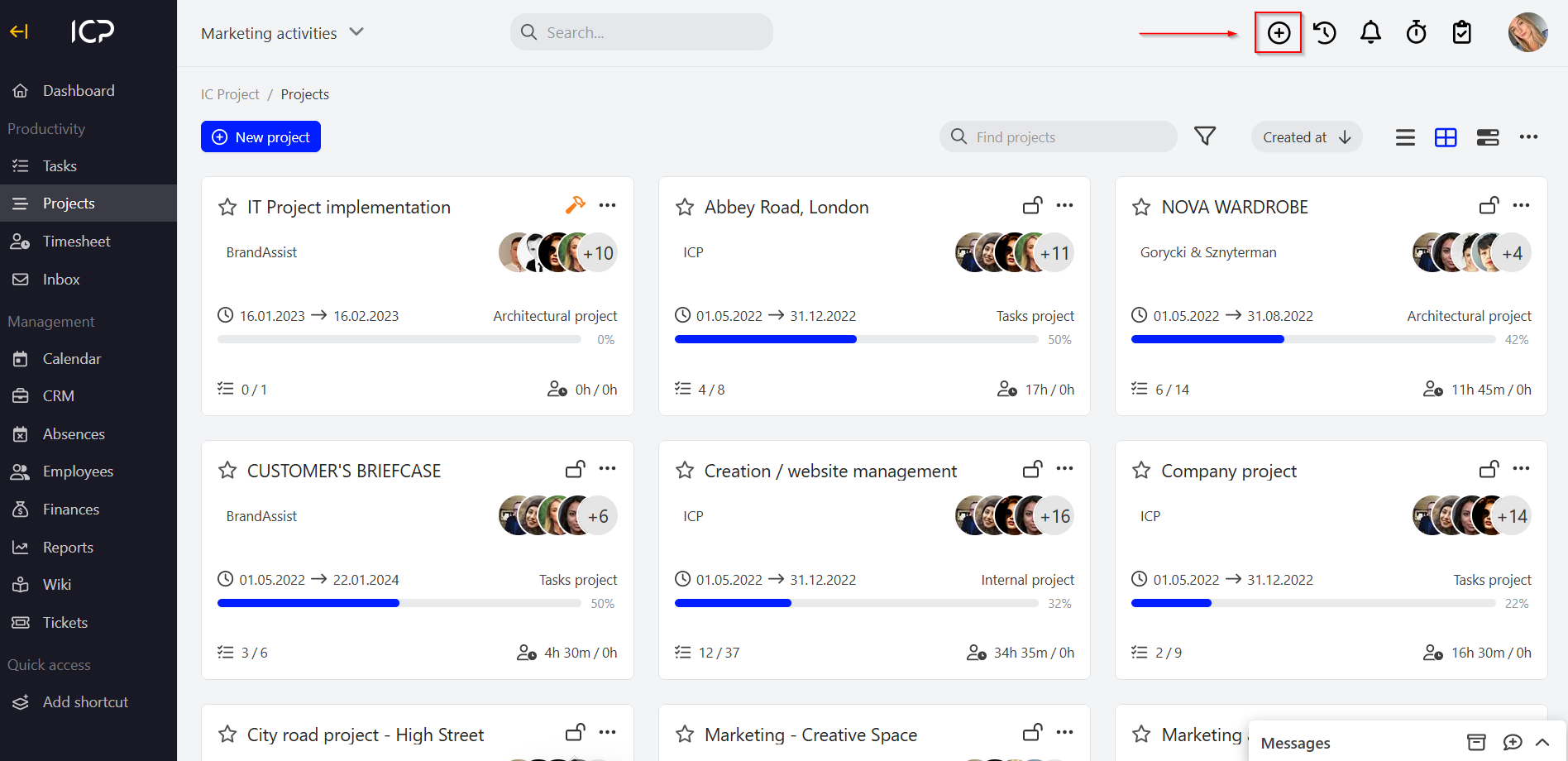
Using the plus button in the top bar
Press the  icon in the top bar and select the Project.
Let’s create a project
When you add a project, a new window will be opened. Enter the project name and click save or select the button. .
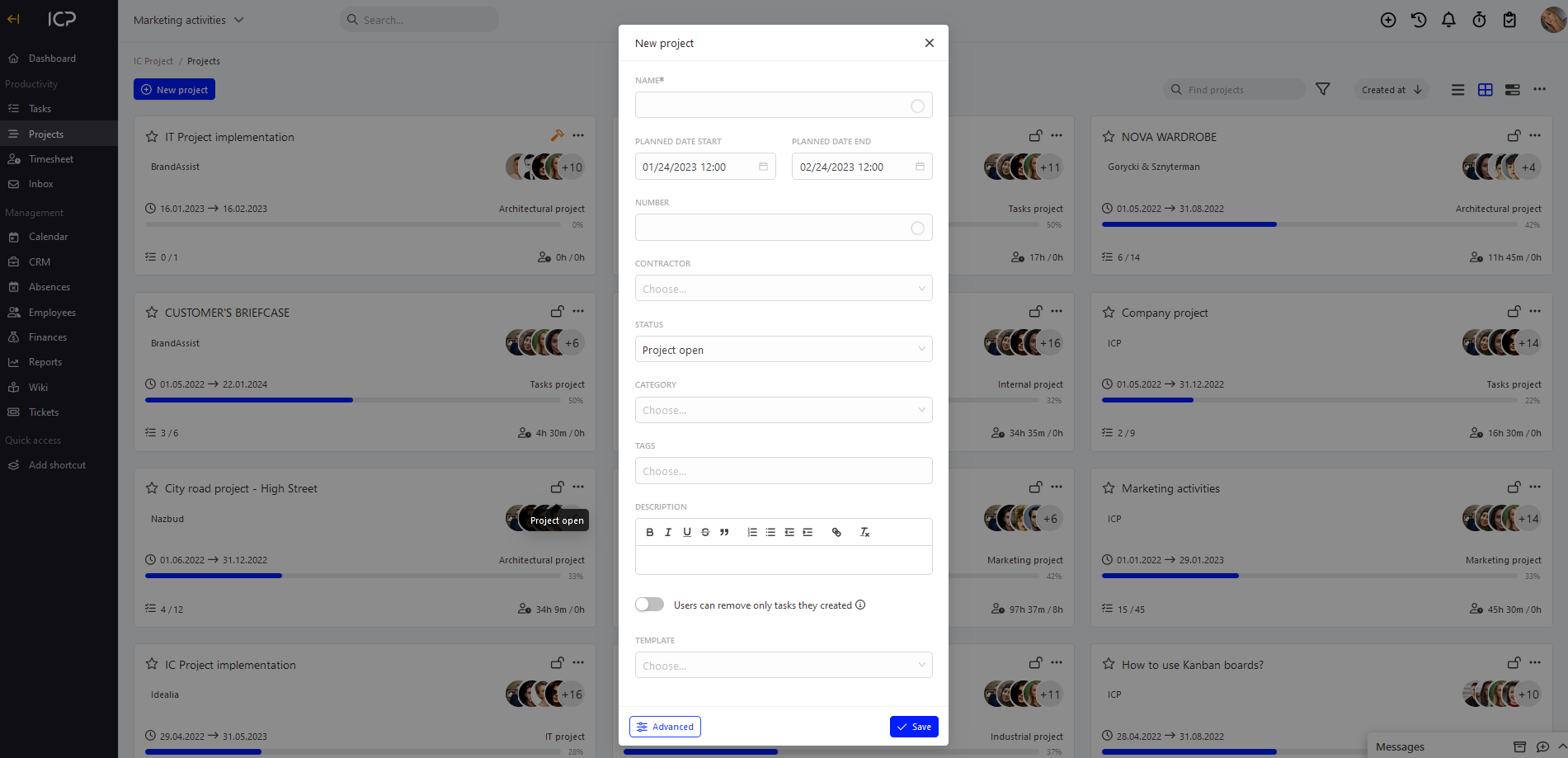
When you add a project, a new window will be opened. Enter the project name and click save or select the button. (how to add a contractor), determine the project status, its category (how to add a category), enter tags and project description. Click save. You will be redirected to the People section where you can add your team developing the project. That’s it. Your project has been created.
Check:
How to manage the team?