
Reports
Financial report
The financial report generated in IC Project is a specification of costs and revenues in the selected period of time, on a monthly basis.
To generate a report, go to the Reports menu and select the Financial report.
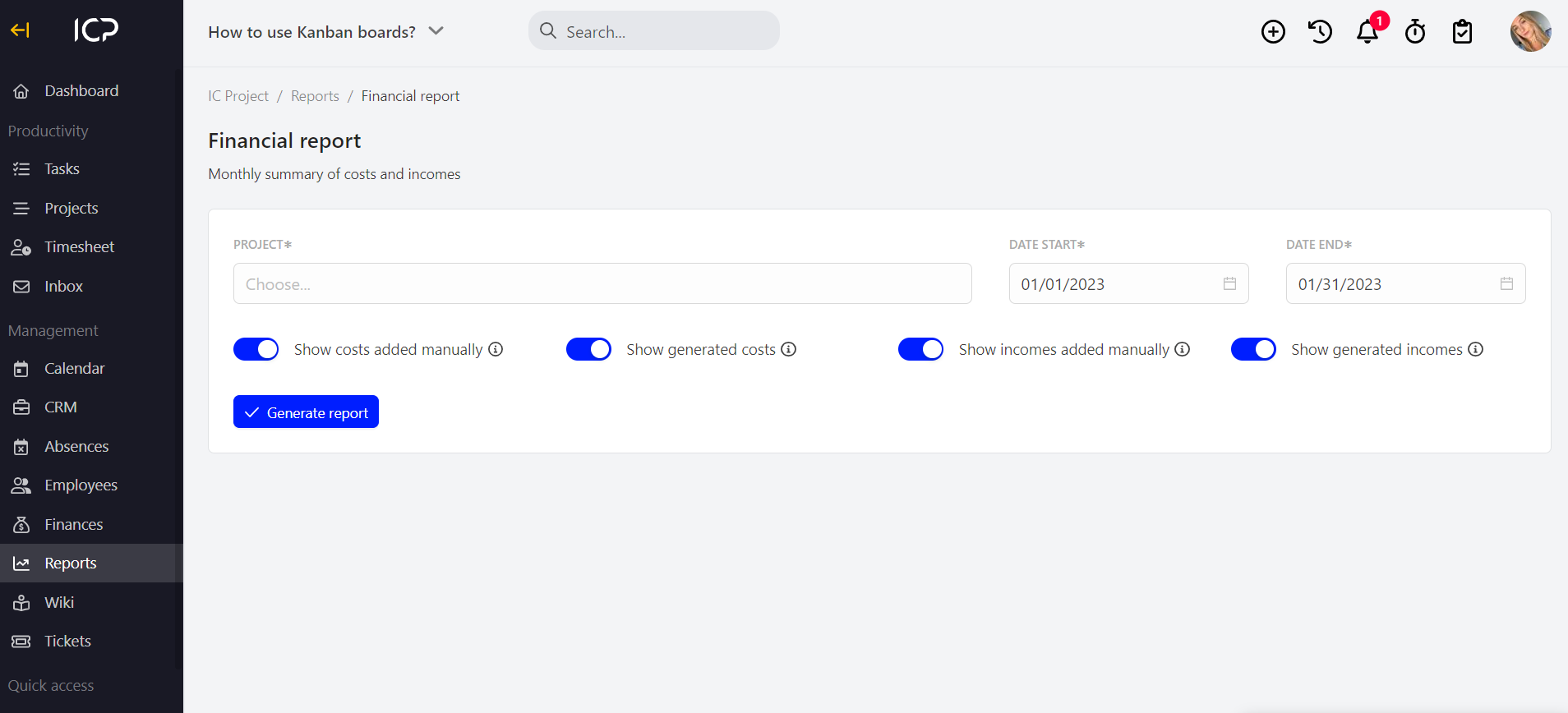
Now, select the project for which you want to create a report, specify its time range and press .
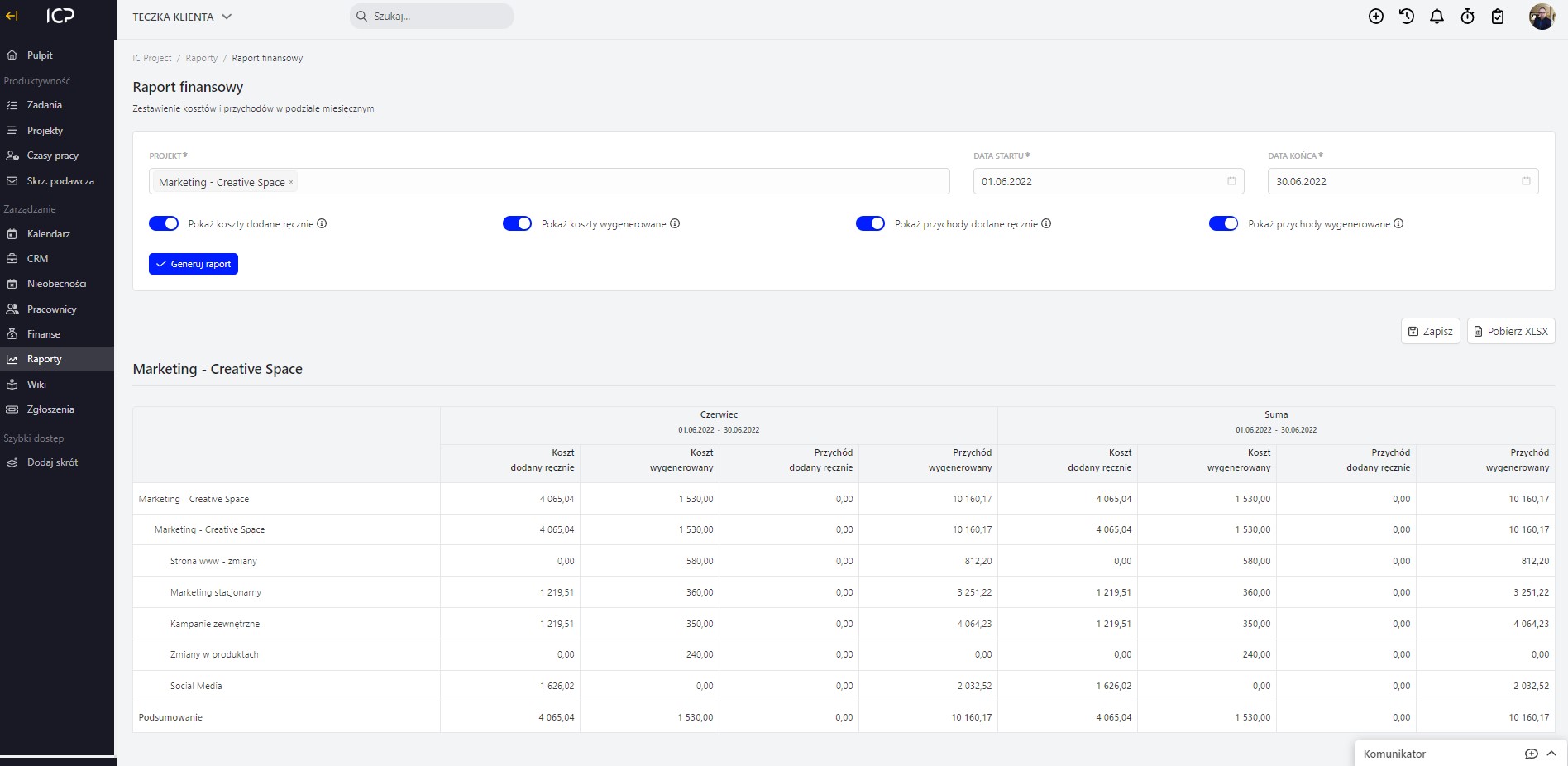
You can decide which type of costs/revenues will be shown in the report. Use the  switch and adjust the report detail level. Hover your cursor to the symbol
 , to see a prompt regarding switched elements.
Categories:Reports