
Reports
Recorded reports
IC Project lets you save generated reports easily in the special tab Saved reports.
You can save the following reports:
- Financial report
- Project report
- Absence report broken down into users
- Absence report broken down into days
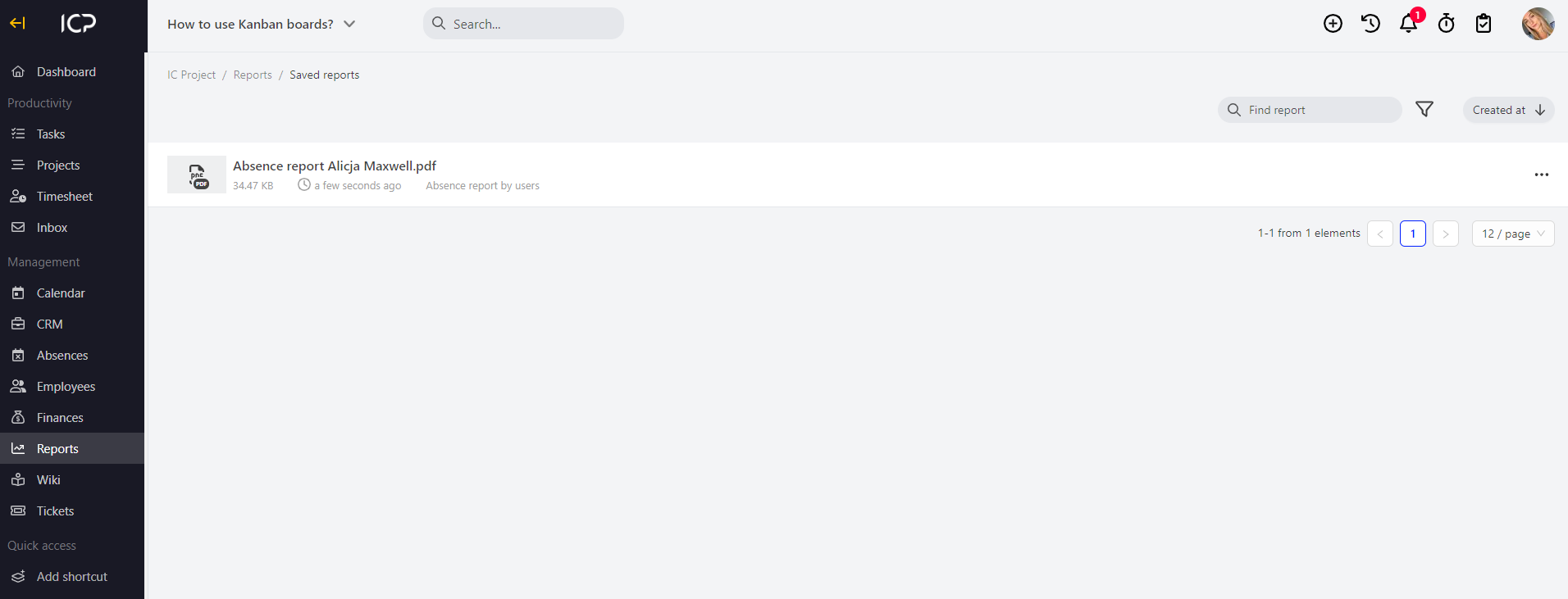
Thanks to the reports saved that way, you can access them easily. You can download them, prepare them for sending or simply review them.
All reports can be found in the menu Reports > Saved reports.
Categories:Reports