
Finances
How to change the invoice status?
Invoices may have the following statuses:
- paid

- unpaid

- booked

- non-booked

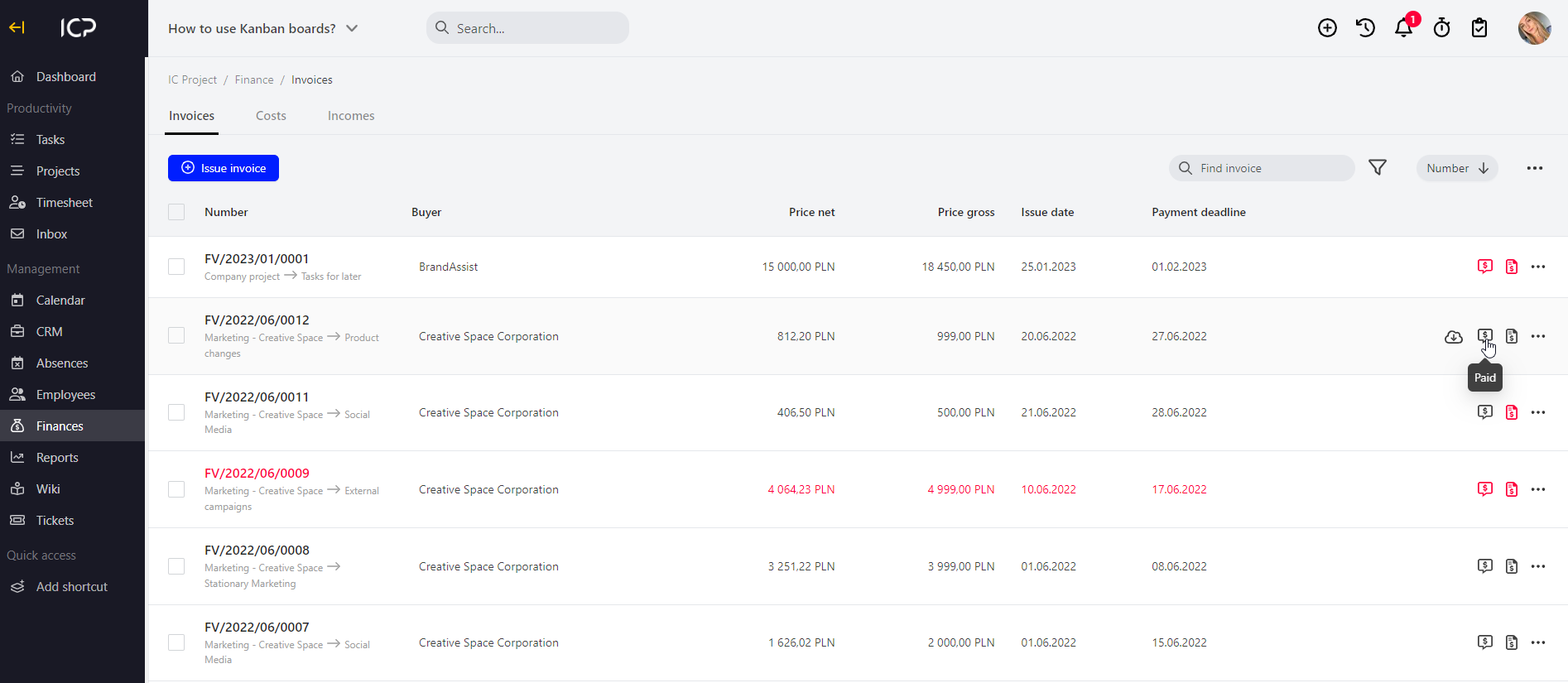
Go to Finance > Invoices. You will see a collective view of all invoices. On the right side, click the selected icon to change the invoice status.
Categories:Invoices