
Finances
How to issue an invoice correction?
o to the Finance module > Invoices, click at the selected invoice and select correction.
o to the Finance module > Invoices, click  at the selected invoice and select correction.
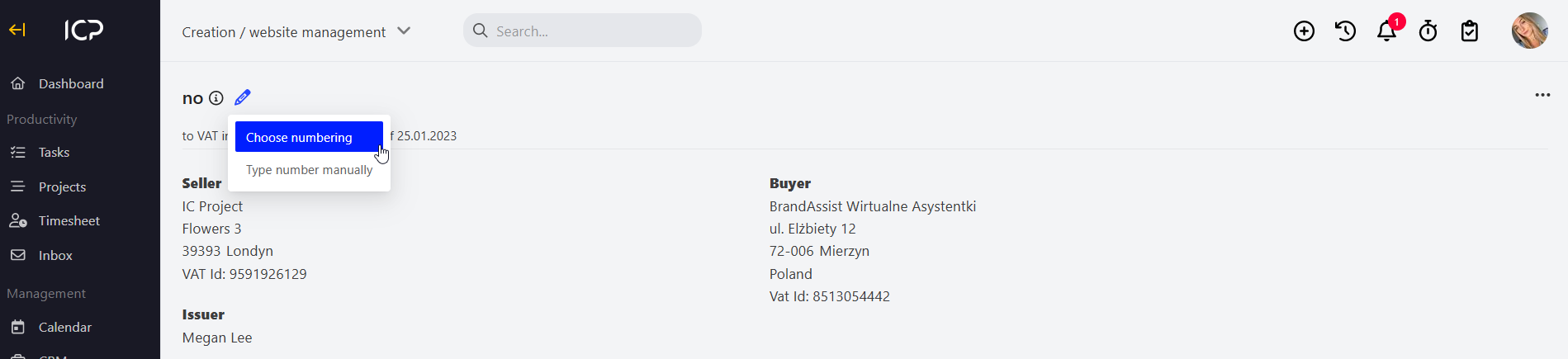
Assign the corrected invoice number. At the invoice number, in the left upper corner, click  , select numbering and enter the number manually.
Make changes in the invoice and click  . The invoice correction will be saved in the collective invoice view, right below the original invoice.
Categories:Invoices