
CRM & clients
Management of account managers in the CRM
The account manager is a person from your company that has been assigned to the given contractor.
Important! The contact person is a person from your contractor’s company. There may be one or many contact persons for the given contractor.
If you wish to add, change or remove an account manager of your contract, go to the CRM and click the selected contractor. In the business card, click  in the Account managers section.
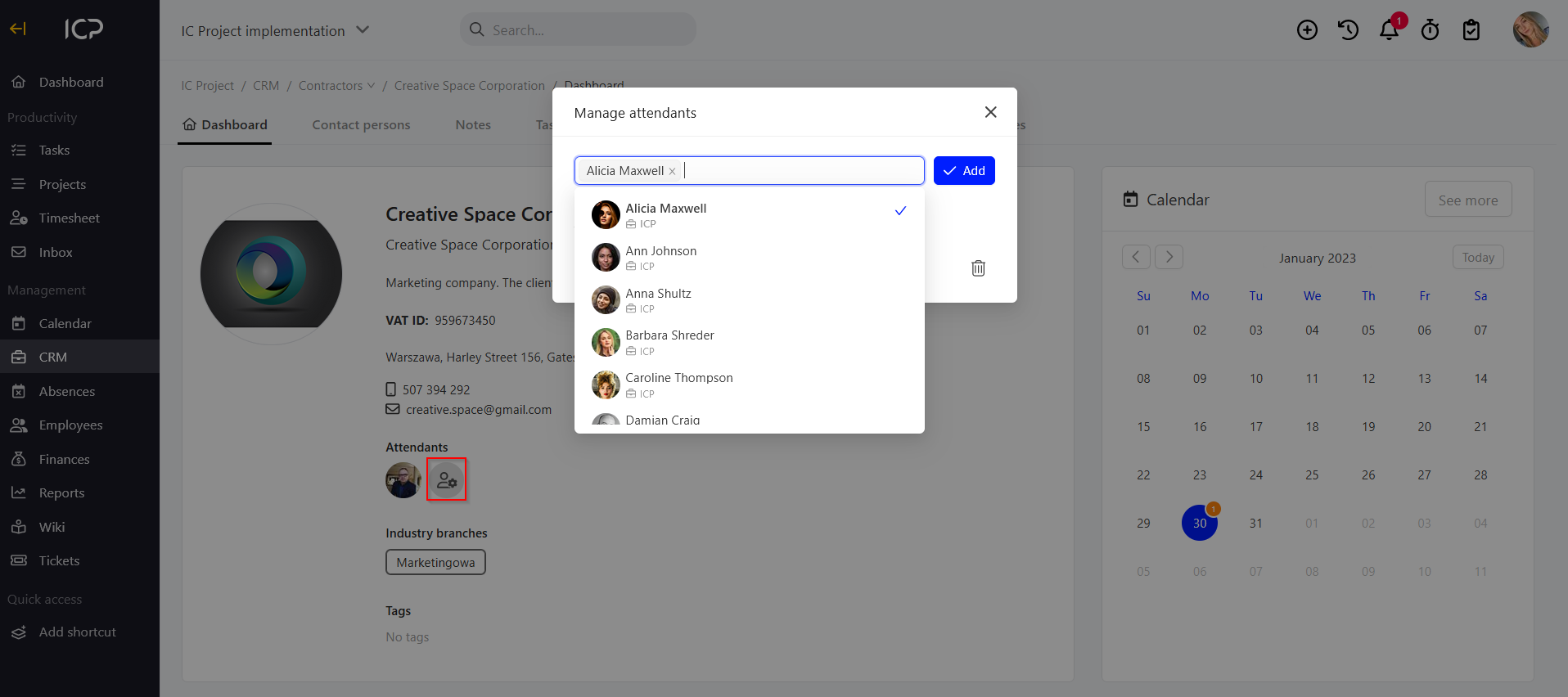
Search for the person / persons who will represent your company in the contact with the given contractor. Check them and click  . This way you can add an account manager.
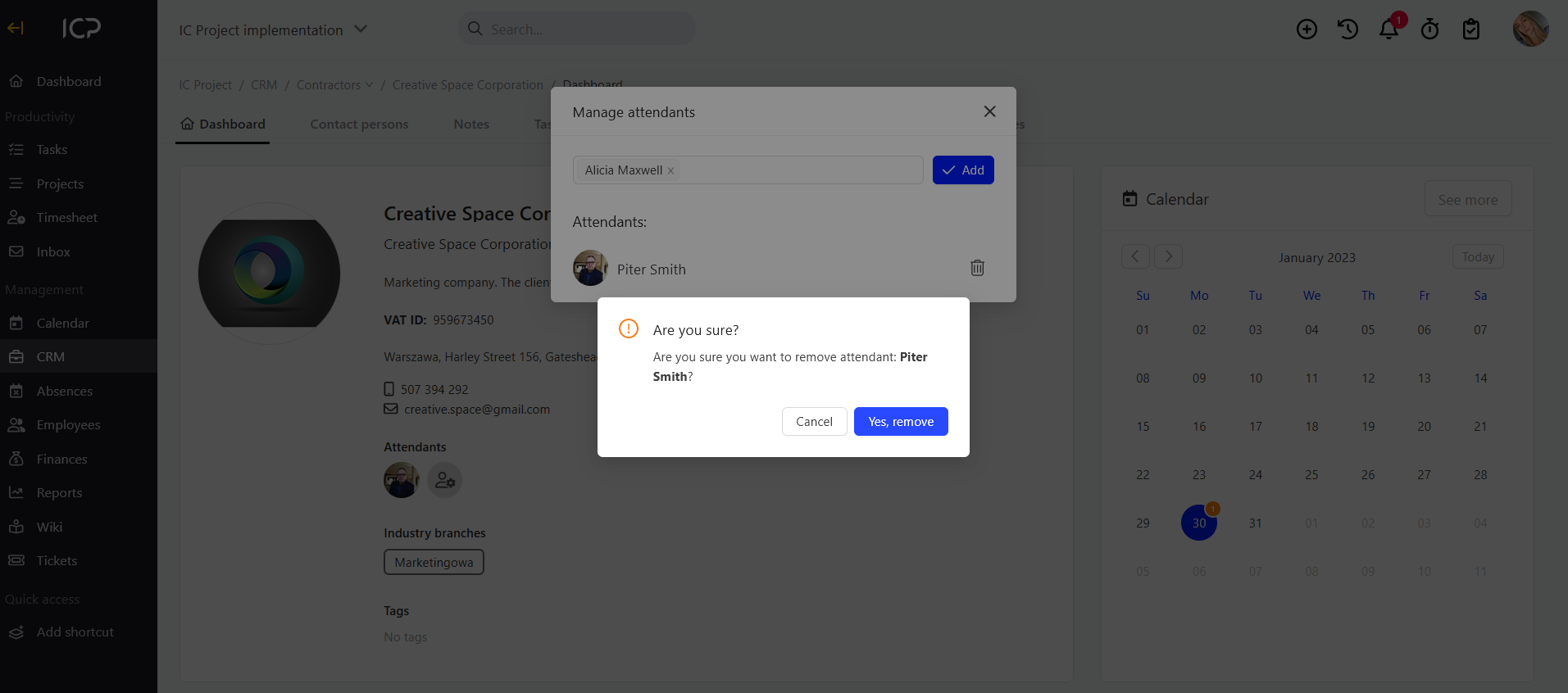
To remove the selected account manager in the list of persons, click the bin symbol  and confirm your decision.
Categories:CRM & clients