
Calendar & meetings
How to add a task to the calendar?
Click and select “add a task” or click the selected day in the calendar and select the symbol .
Click  and select “add a task” or click the selected day in the calendar and select the symbol
 .
Complete the window by specifying the task name as well as the task target place, i.e.: project > stage > board > column. You can also add a person to this task. For example, the completed data may look as follows:
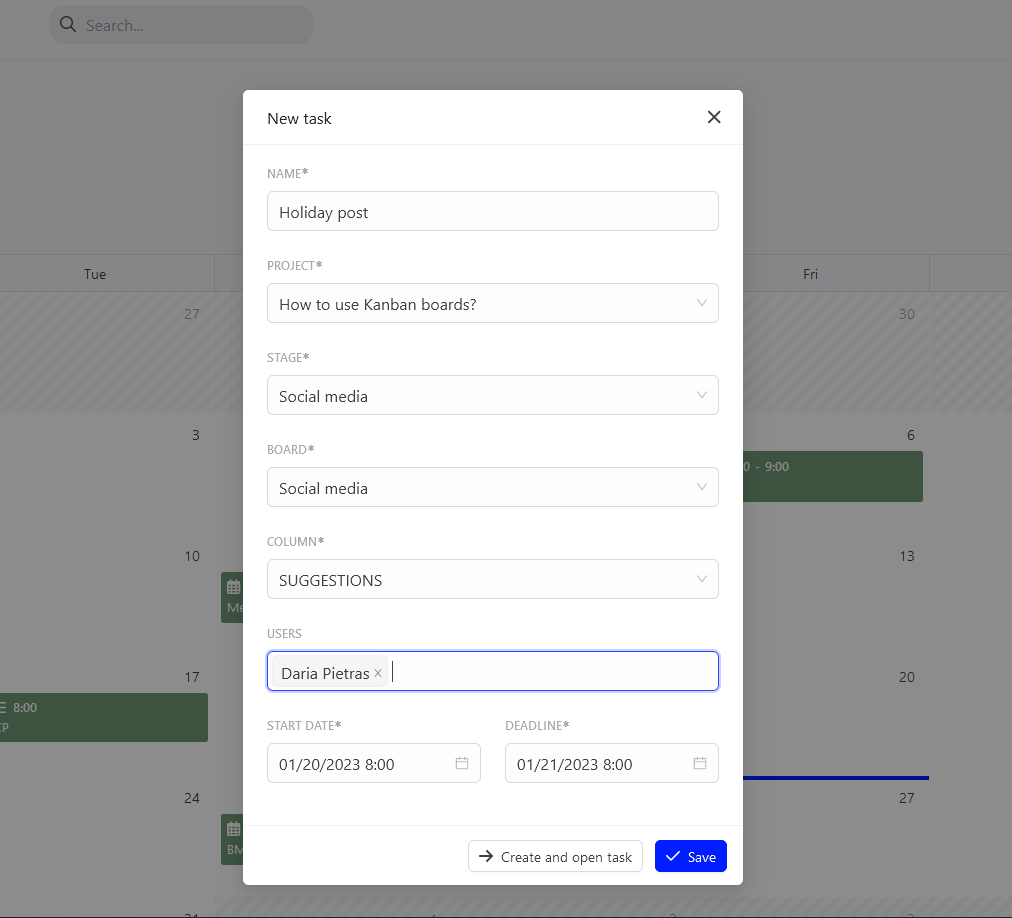
After you complete the window, select save or “Add and open task” to open the added task.
Categories:Calendar & meetings