
Tasks
How to work with a task
Explore the main task controls and find the guide for your next action.
You have created the task. Now, let’s check our options in the task. Open the selected task by clicking its name. Let’s discuss its sections.
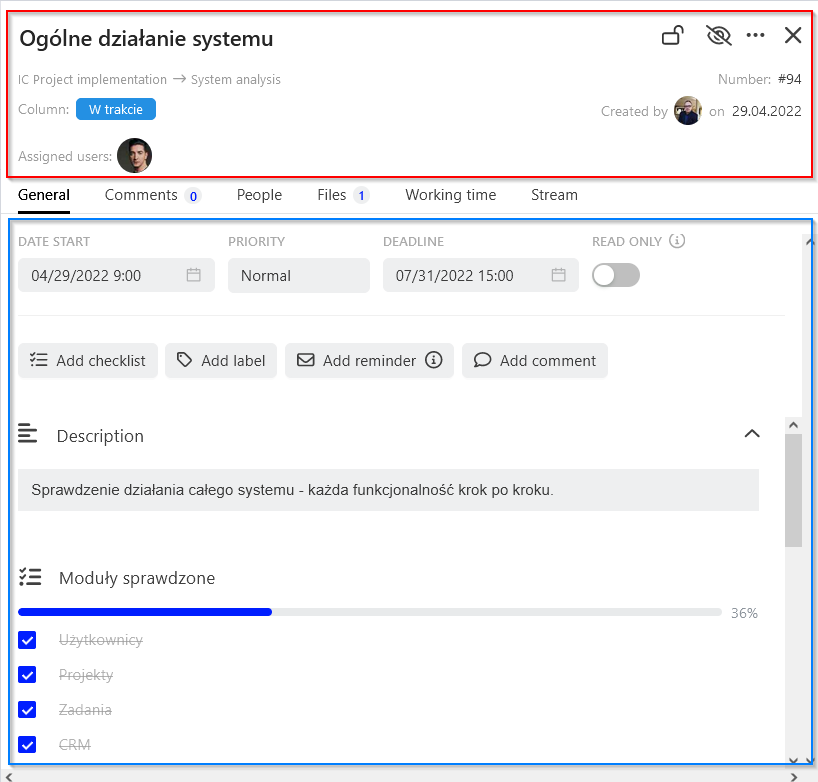
What would you like to do?
- Task details, dates, checklists & labels
- Task comments & mentions
- How to assign people to the task?
- Task files & attachments
- How to report time on a task
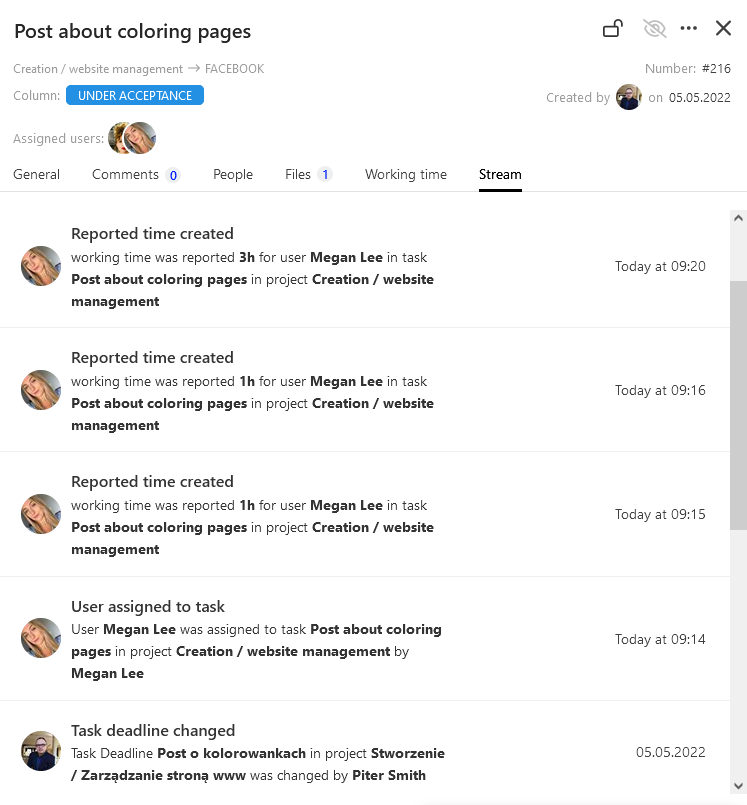
Task activity history
The Stream tab is a special module that lets you track changes made in the task, e.g. creation of a checklist, addition or removal of a file, new comment, etc.
Categories:Tasks