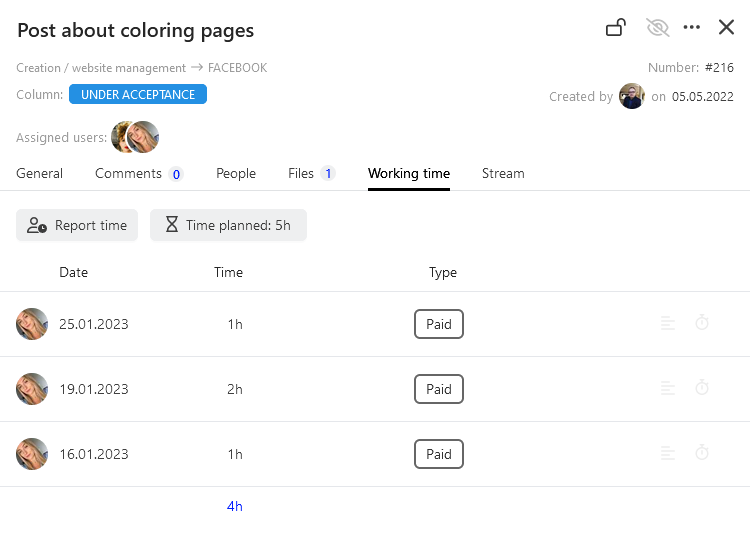
How to report time on a task
Record time directly in a task.
Worktime reporting
You can use this tab to report worktime directly in the task. It is one of the most popular reporting methods.
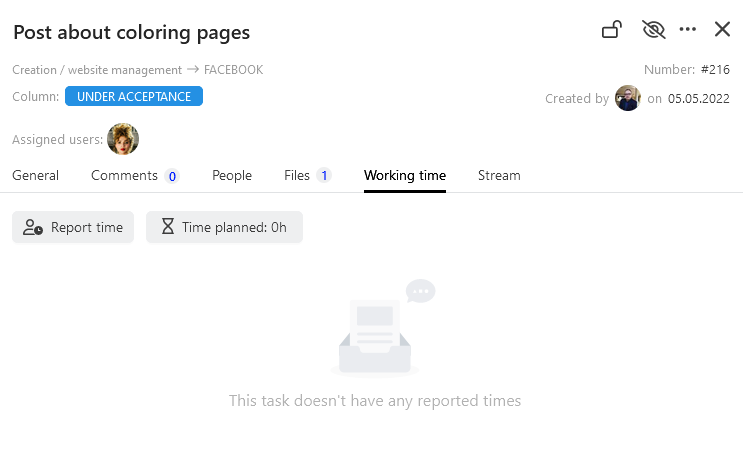
Go to the selected task and to the Worktime tab. If nobody has reported worktime for the task yet, you will receive the exemplary view, as below.
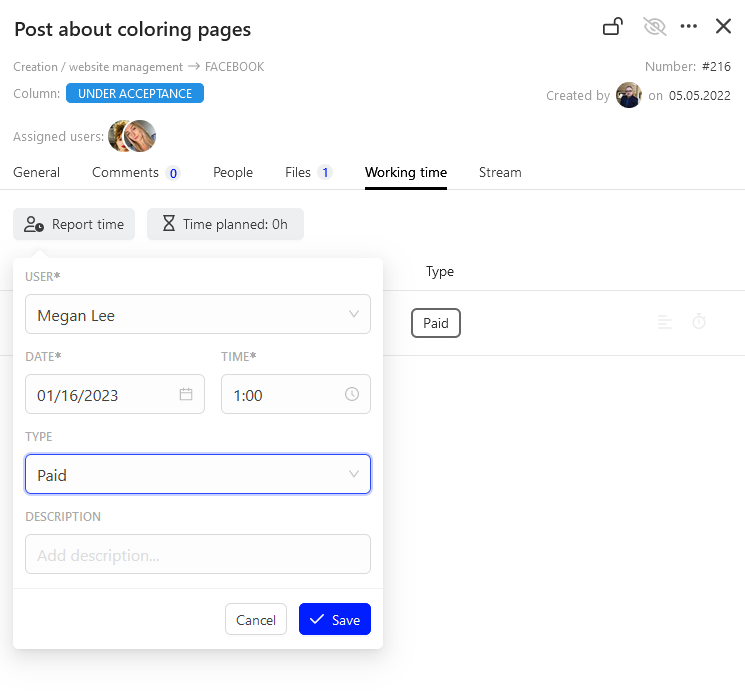
Now, press Report time. Then, complete the dialogue window, specifying the reporting date, its length in hours and minutes, determine the type: paid, unpaid, payable and provide a description, if applicable. After you complete all data, click Save.
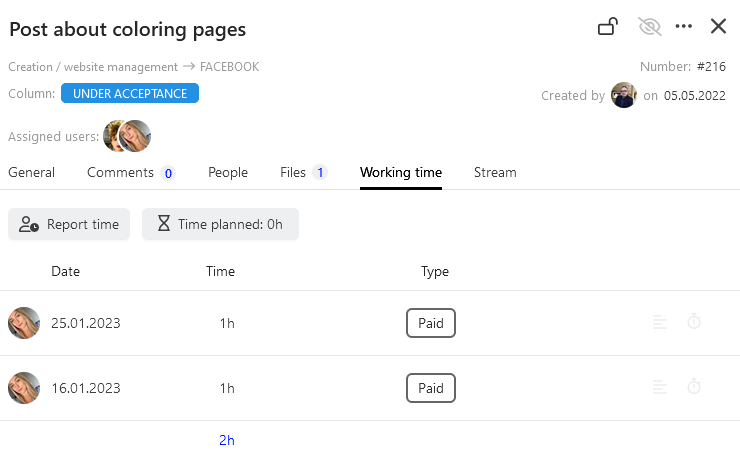
Done. Worktime has just been reported.
Worktime planning
If you want to report time for the given task, click  and specify the planned time in hours and minutes.
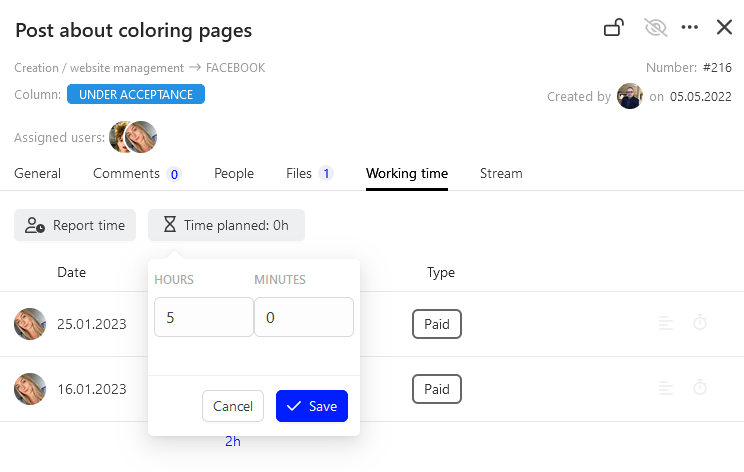
This time will be recorded in the sheet of the selected task and accounted for in the entire project.