
Reports
Project report
The project report generated in IC Project provides detailed information regarding project status, current situation in the projects, tasks, resources, deadline and worktimes.
To generate a report, go to the Reports menu and select the Financial report.
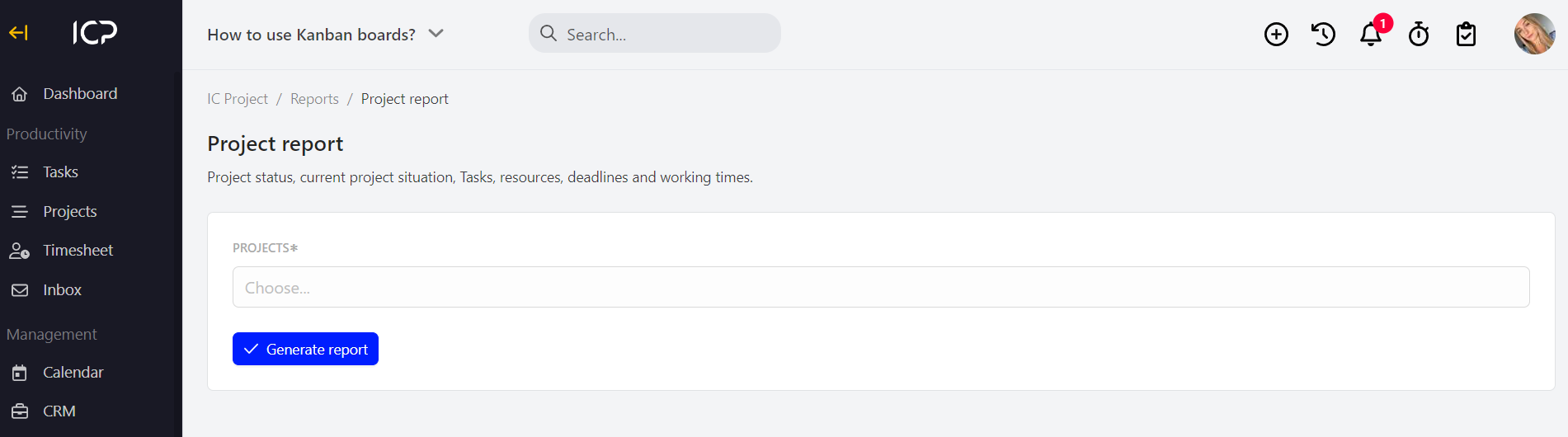
Now, select the project for which you want to create a report and press .
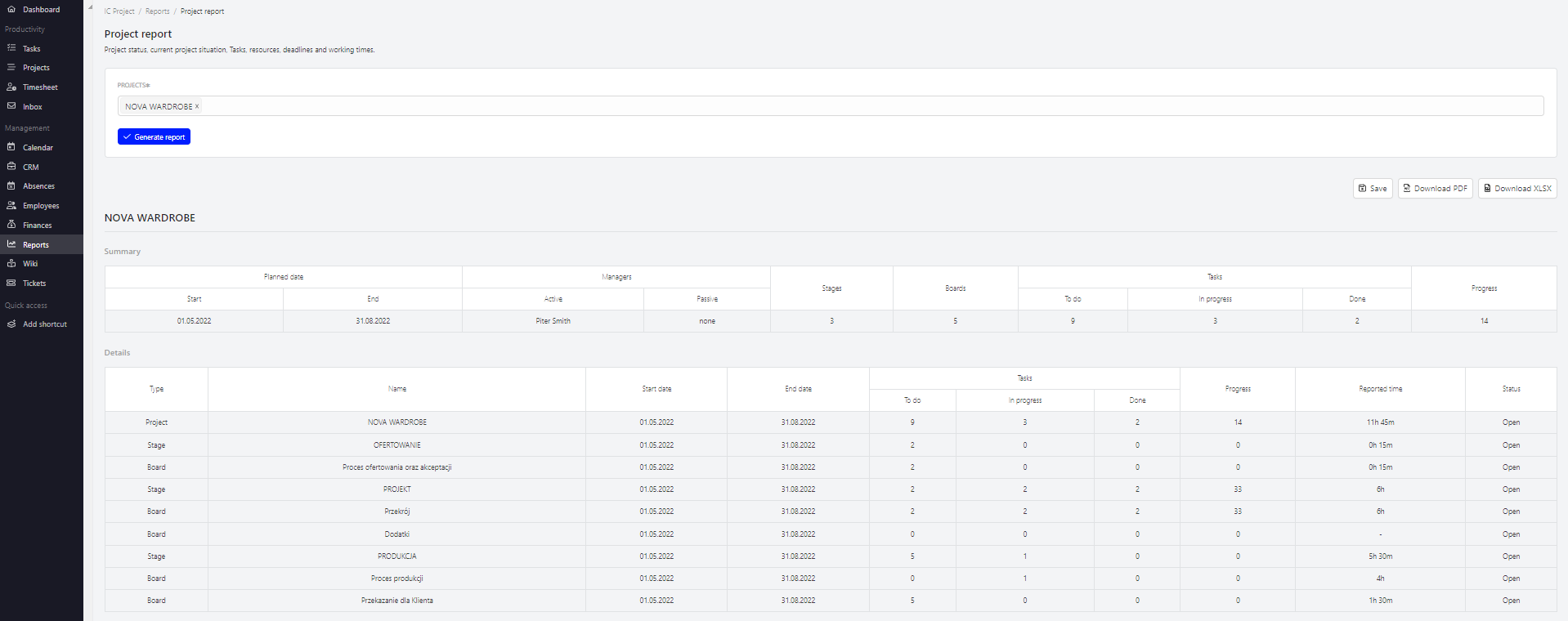
The generated report can be downloaded to PDF, xlsx format by clicking 
 .
If you click  the report will be saved in the section Reports > Saved reports.
Categories:Reports