
Team & time off
Downloading and exporting leave applications
You can export all applications or download them one by one. When in the view of all leave applications, click at the selected employee and select download to download one application or click to the right of …
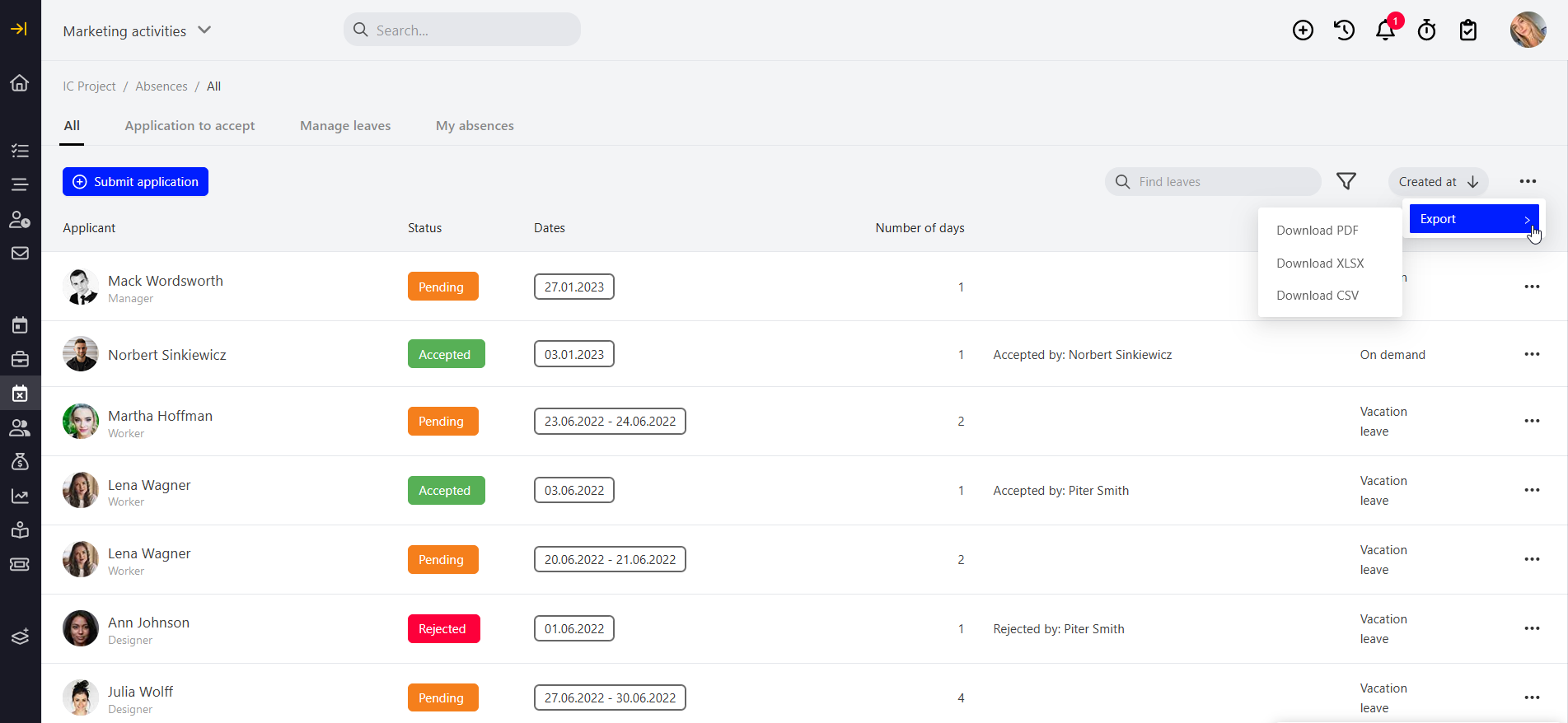
You can export all applications or download them one by one. When in the view of all leave applications, click  at the selected employee and select download to download one application or click to the right of the field
 and select export to download all leave applications.
Categories:Team & time off