
Team & time off
How to update the employee’s data?
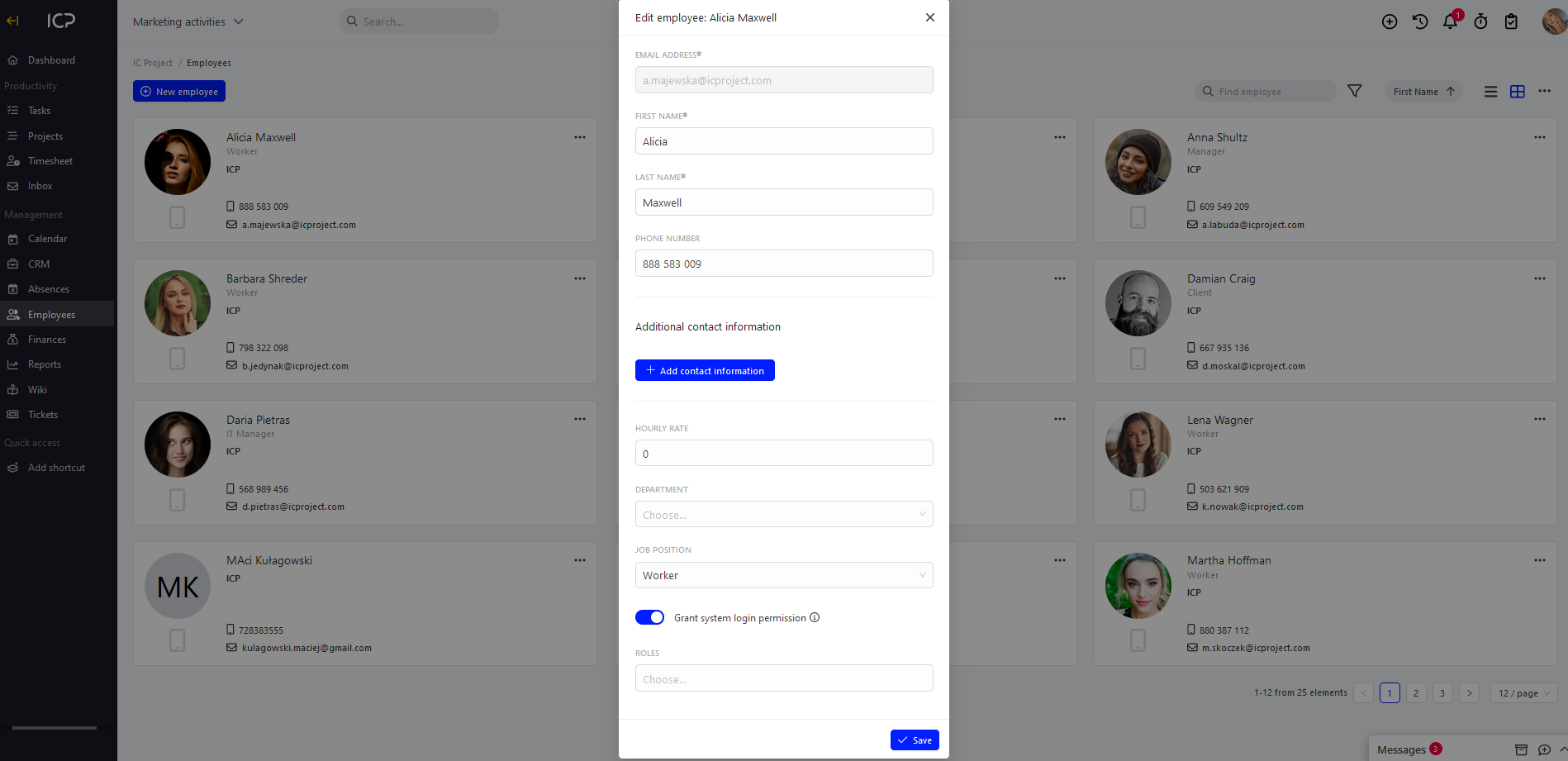
Go to the Employees tab and click at the chosen employee and select edit.
Go to the Employees tab and click  at the chosen employee and select edit.
Make the changes editing the selected fields and click  . The entered data will be saved.
Categories:Team & time off