
Team & time off
How to delete an employee from the system?
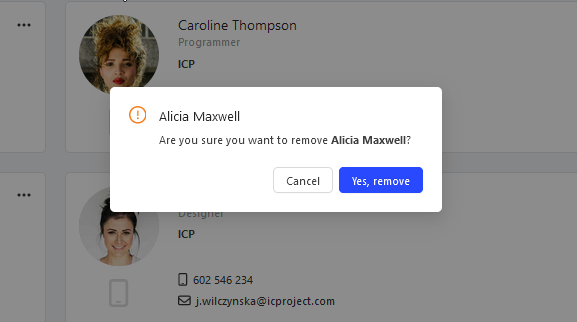
Go to the Employees tab and click at the chosen employee and select delete. Confirm your decision with the button. The selected employee will be removed from the IC Project system.
Go to the Employees tab and click  at the chosen employee and select delete. Confirm your decision with the
 button. The selected employee will be removed from the IC Project system.
Categories:Team & time off